
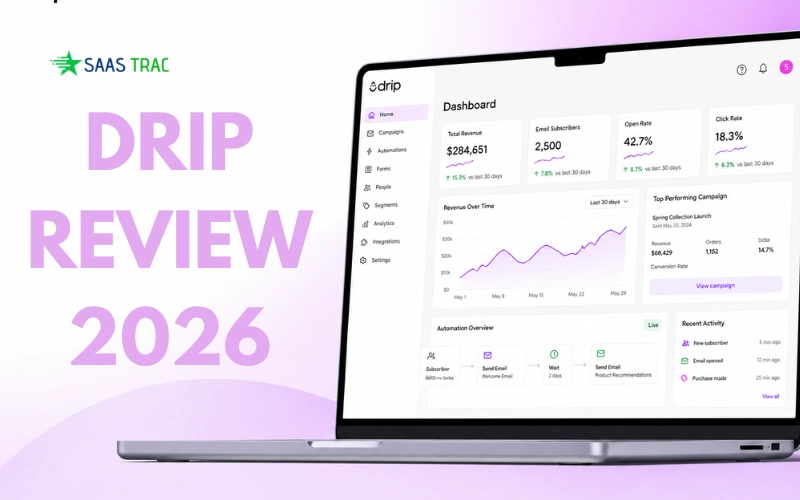
If you’ve spent any time searching for email marketing software, you already know the frustration. Most tools are either too stripped-down for serious selling or so complex they feel like a full-time job. Drip sits in a different lane entirely. Built specifically for ecommerce and direct-to-consumer brands, it combines email marketing, behavioral automation, and deep customer segmentation into one platform designed to drive actual revenue, not just open rates.
This is a hands-on, no-fluff review of Drip in 2026. We’ll walk through everything from how the dashboard feels on day one to whether the pricing actually makes sense for your business.
If you’re running a Shopify or WooCommerce store, scaling a DTC brand, or looking to move beyond basic email blasts, this review is for you. By the end, you’ll have a clear picture of what Drip does well, where it falls short, and whether it belongs in your marketing stack.
What Is Drip & How Is It Different from Other Email Marketing Tools?
Drip is an e-commerce-focused email marketing and automation platform. It’s built for brands that sell products online and need their marketing tools to understand customer behavior, not just send newsletters on a schedule.
At its core, it handles email campaigns, behavioral automation, dynamic segmentation, onsite pop-ups, and embedded forms. It connects natively with Shopify, WooCommerce, BigCommerce, and Magento, pulling in real-time store data so your marketing can react to what customers actually do rather than what you assume they might do.
The key differentiator isn’t any single feature. It’s the underlying philosophy: every tool in it is designed around e-commerce logic. Purchases, cart activity, product views, and browsing patterns that context shapes everything from how you build segments to how automations get triggered.
Drip positions itself as a revenue-focused platform for B2C businesses that sell physical or digital goods online, including ecommerce brands, DTC operators, travel companies, and digital product creators.
Drip Dashboard & Ease of Use: Is It Beginner-Friendly or Overwhelming?
The dashboard is clean and well-organized. When you log in for the first time, the layout doesn’t overwhelm you. Key areas like campaigns, automation workflows, subscriber lists, and reporting are clearly labeled and accessible from the main navigation.
That said, Drip isn’t a “click around and figure it out” tool for complete beginners. There’s a real learning curve, particularly around the automation builder and segmentation logic. If you’re coming from something like Mailchimp, expect a few hours of orientation before you feel comfortable. Multiple user reviews describe the navigation as initially confusing for first-timers, especially the email builder’s left-panel layout, which differs from most other platforms.
Setup is smoother than many competitors, especially if you’re on Shopify. The integration is one-click, and once connected, Drip starts pulling in customer and order data automatically. Email support is included on all paid plans, available Monday through Friday, 9am to 5pm CT. Live chat support is available for accounts on $99/month or higher plans. If your list exceeds 17,500 contacts, Drip provides free migration assistance and personalized onboarding support for the first 90 days.
One thing worth knowing: the platform rewards users who invest time learning it. The deeper you go, the more powerful it becomes. That’s a trade-off, not a flaw.
Creating Email Campaigns in Drip: Templates, Builder & Design Flexibility
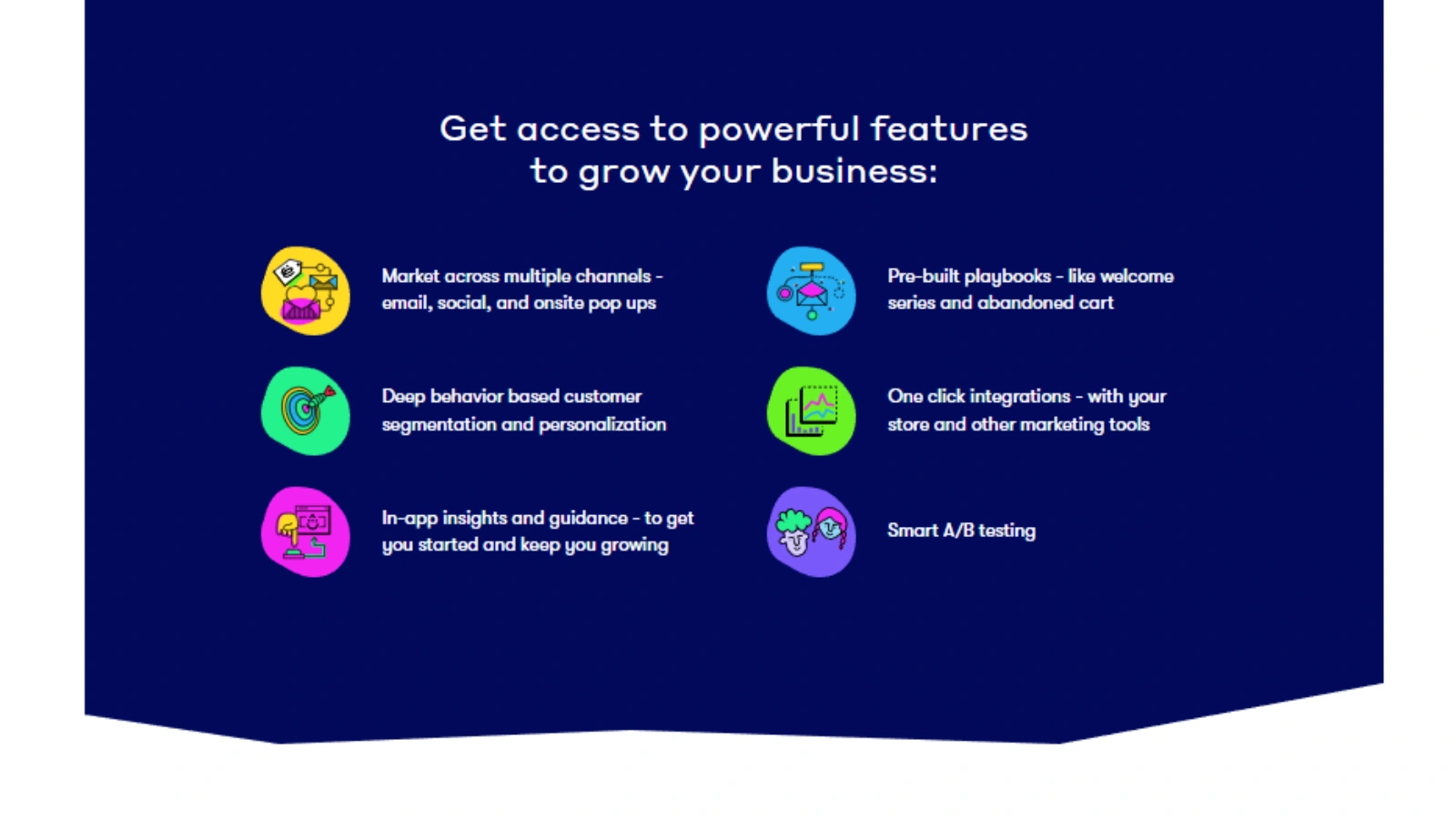
The email builder in Drip uses a drag-and-drop interface that’s genuinely comfortable to work with. You can arrange content blocks, adjust layout, add images, and edit text without touching any code. It’s not the flashiest builder on the market, but it’s reliable and efficient.
Drip offers 50+ themed email templates across various use cases and industries, giving you a solid starting point for most campaign types. A useful productivity feature is the ability to save reusable content blocks like footers or headers, so you’re not rebuilding brand elements from scratch on every campaign.
Customization flexibility is solid. You can adjust colors, fonts, spacing, and content to match your brand. For teams without a dedicated designer, this builder works well. For brands with very precise visual standards, you’ll want to properly template your designs upfront. Either way, the output looks professional and renders cleanly across email clients.
Advanced Segmentation & Personalization: Where Drip Really Stands Out
This is where Drip genuinely earns its reputation. The segmentation system is tag-based and behavior-driven, meaning you’re not just sorting people by demographic boxes. You’re building audiences based on what customers have done, what they’ve bought, what they’ve browsed, and how often they’ve engaged.
You can create dynamic segments that update automatically. A segment for “customers who bought in the last 30 days but haven’t opened an email in two weeks” stays current without any manual work. That kind of precision is what separates Drip from simpler tools.
Behavioral targeting goes deep. You can segment by purchase history, browsing activity, product categories viewed, order frequency, and lifetime value. Dynamic content takes this further, letting you show different email content to different customer types within the same campaign. A first-time buyer sees a different message than a repeat customer, even if they’re receiving the same email at the same time.
According to Drip’s own data, customers who use segments earn 5x more revenue than those who don’t. That’s a meaningful figure, and it reflects what behavior-based segmentation actually makes possible when used consistently.
Drip Automation Workflows: Can It Actually Drive More Sales?
Drip’s automation workflow builder is the backbone of the platform. You build workflows visually, setting triggers and defining what happens next based on customer behavior. The interface is logical, though as mentioned earlier, there’s a learning curve to get comfortable with more complex multi-step sequences.
Trigger options cover the most important e-commerce scenarios. Cart abandonment, product views, browse abandonment, completed purchases, and subscriber actions like clicking a link or opening an email can all kick off automation sequences. It provides 50+ pre-built workflow templates covering welcome series, abandoned cart, post-purchase follow-up, win-back campaigns, and more, which gives you a strong foundation to build from rather than starting from scratch.
Some practical use cases worth highlighting:
Welcome series: Automatically greet new subscribers with a sequence that introduces your brand, sets expectations, and nudges them toward a first purchase.
Post-purchase upsell: Trigger a follow-up email after a completed order, recommending related products based on what they bought.
Win-back campaigns: Re-engage customers who haven’t purchased in a set period with a targeted sequence designed to bring them back.
There is no published cap on the number of active workflows you can build. All paid plans include full automation access without artificial feature gates.
E-commerce Integrations: Shopify, WooCommerce & Real-Time Data Sync
Shopify is Drip’s primary integration, and it shows. The connection syncs customer data, order history, product information, and real-time events between the two platforms. This is what makes behavioral triggers like “viewed product X but didn’t add to cart” actually work. WooCommerce, BigCommerce, and Magento also have native integrations with the same data sync capabilities.
Beyond those, it supports 150+ integrations overall, including Zapier, Make, Facebook Custom Audiences, and various pop-up and SMS tools. An open REST API is also available for custom event tracking and contact management, which matters for brands with non-standard tech stacks.
The practical value here is that it doesn’t just receive data from your store. It uses that data to make automation smarter. Product-based triggers, purchase-specific personalization, and revenue attribution all depend on this tight integration. Without it, Drip would be a capable email tool. With it, it becomes a revenue-focused marketing system.
Onsite Pop-Ups & Forms: Turning Visitors into Subscribers
Drip includes onsite campaigns, pop-ups, and embedded forms that you can use to capture subscriber information or promote offers while visitors are browsing your site. These are included in the plan and can be configured with targeting rules like time on page or specific URL conditions.
The form builder offers customization options and pre-made templates to speed up the process. Users note it’s a bit step-heavy to configure, but the setup process is clear and thorough, ensuring you get the targeting and display logic right before going live.
SMS Marketing in Drip: Worth the Extra Cost?
Drip does support SMS marketing, but it’s important to understand how it works within the platform. SMS is not included in the base subscription price. SMS credits are purchased separately on top of your monthly plan. Once you have credits, you can send standalone SMS campaigns or combine text messages and emails within the same automated workflow, for example, sending an email first and following up with an SMS if the email wasn’t opened.
SMS works well for time-sensitive scenarios like flash sales, back-in-stock alerts, and order updates. It’s a genuine multi-channel capability, but one you need to budget for separately rather than assuming it’s covered by the base plan.
Analytics & Revenue Tracking: Does Drip Show Real ROI?
Drip’s reporting is built around ecommerce outcomes. The revenue attribution dashboard connects specific emails, workflows, and campaigns to the actual orders they generated, which is far more useful than tracking opens and clicks in isolation. You can see which automations are pulling their weight and which ones need attention.
Campaign-level performance reporting covers standard metrics alongside revenue data, and the customer-level view lets you understand individual purchase history and engagement patterns. Smart A/B testing is also built in, allowing you to test subject lines, content variations, or send timing to improve performance over time.
The reporting won’t win awards for visual design, but it stays focused on what matters most for ecommerce: connecting marketing activity to revenue.
Drip Pricing
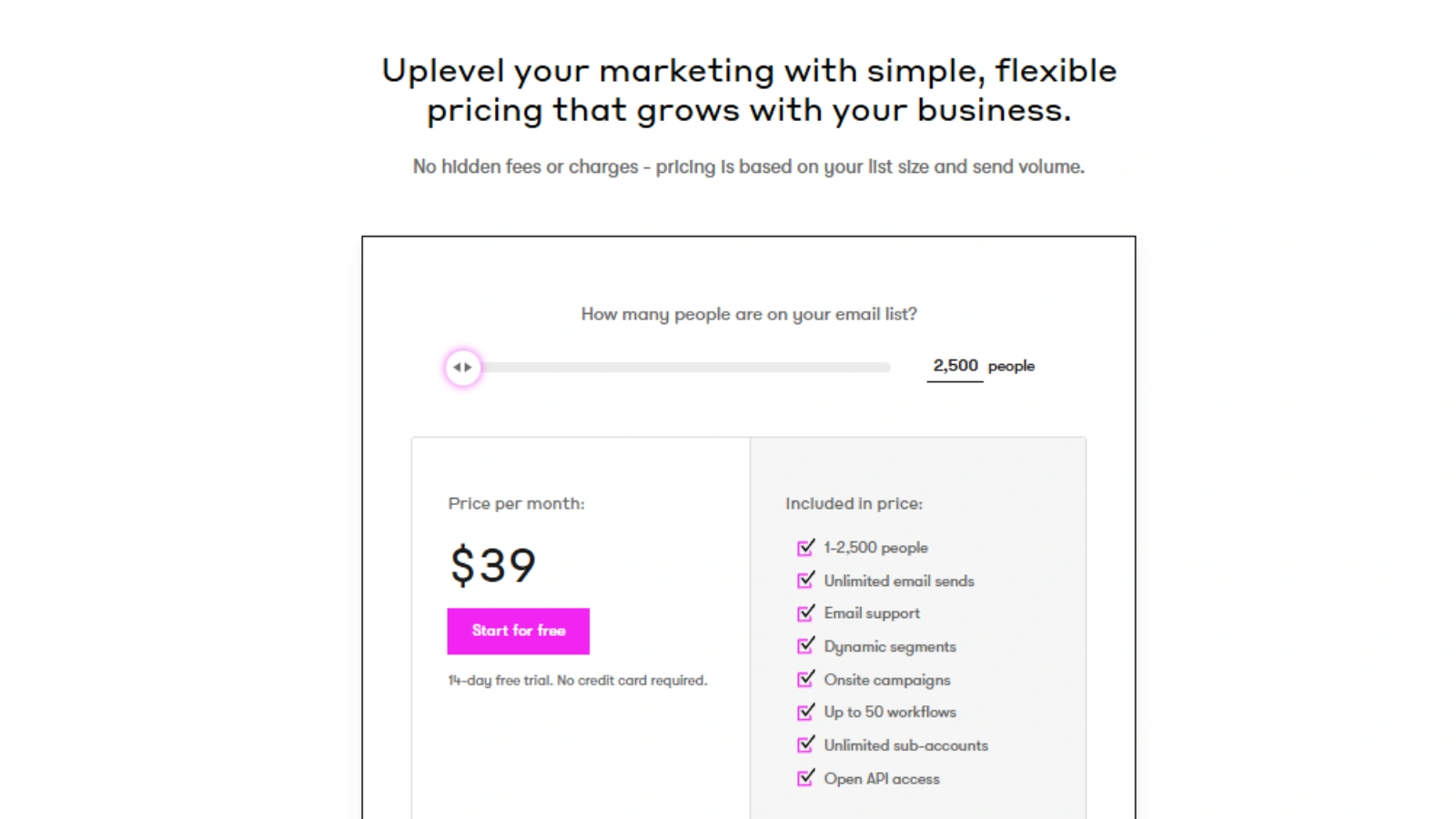
It uses a subscriber-based pricing model. The cost scales with the size of your email list, and all plans include full feature access; there are no features locked behind higher tiers.
| Limit | Price |
|---|---|
| Up to 2,500 | $39/month |
| Up to 5,000 | $89/month |
| Up to 10,000 | $154/month |
| Up to 30,000 | $449/month |
| Up to 100,000 | $1,199/month |
Email sends are unlimited for lists up to approximately 32,500 contacts. Beyond that threshold, monthly sending caps begin and increase with list size.
One important billing detail: It charges based on the highest number of active contacts you had during the billing period, not the count at the end of it. If you import a large list and then clean it, you’ll still pay for the peak count that month.
SMS credits are purchased separately from your base plan and are not included in any tier.
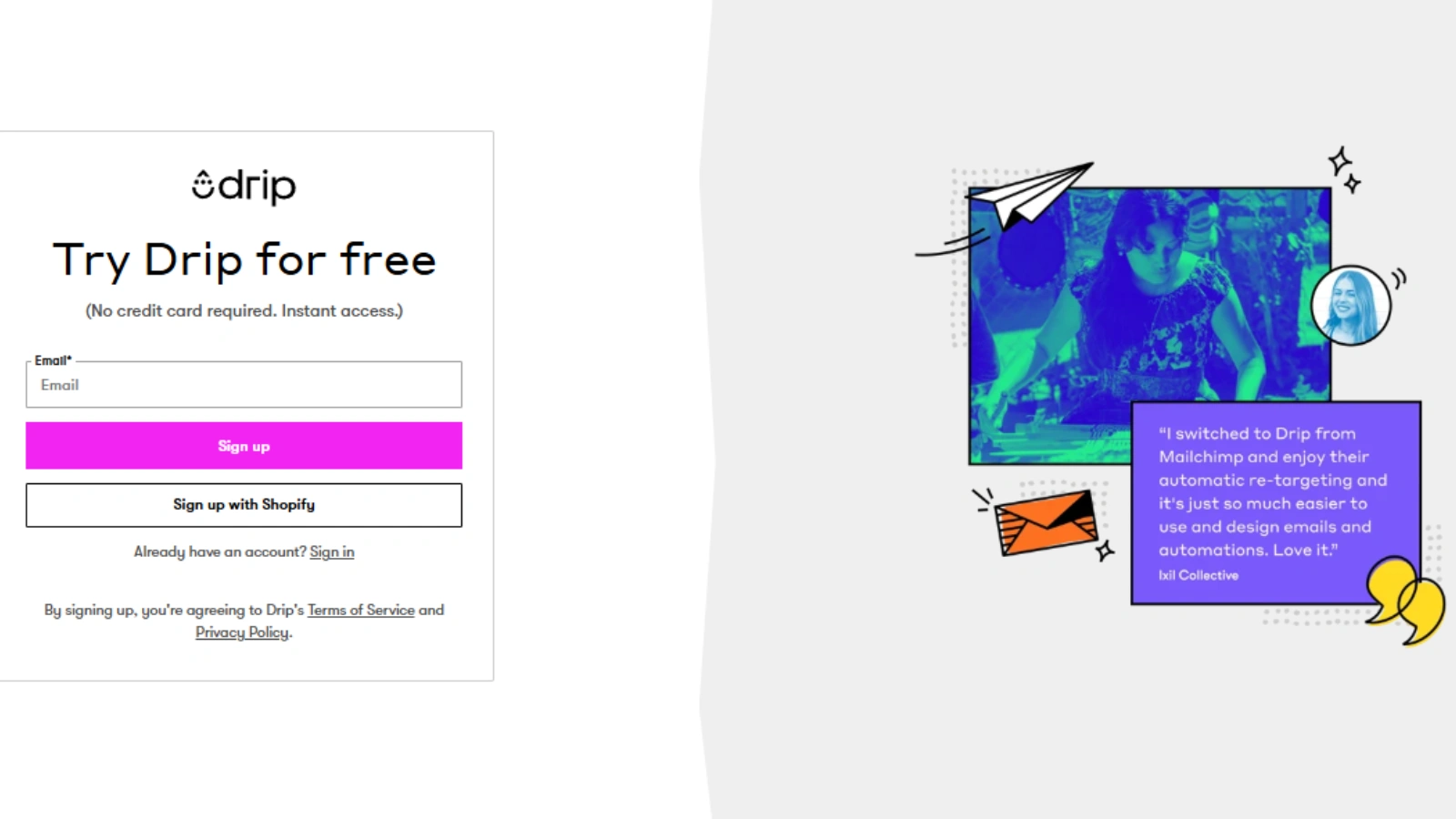
A 14-day free trial is available with no credit card required.
Is it worth the price? Compared to basic tools like Mailchimp at similar list sizes, it is more expensive. But you’re getting ecommerce-specific functionality that general tools simply don’t offer at the same depth. Compared to Klaviyo, Drip is often more cost-effective at smaller list sizes. The value calculation ultimately depends on how well you use the automation and segmentation capabilities. Brands that treat it as a revenue tool, not just a sending tool, tend to see strong returns.
Drip Pros and Cons: Honest Breakdown After Real Use
Pros
- Deep ecommerce automation with behavior-based triggers
- Powerful dynamic segmentation that updates in real time
- Native integrations with Shopify, WooCommerce, BigCommerce, and Magento
- 150+ total integrations
- 50+ pre-built workflow templates to launch quickly
- Full feature access on all paid plans, no feature gates
- Revenue attribution reporting connects emails to actual sales.
- Smart A/B testing built in
- Free migration service for lists over 17,500 contacts
- 14-day free trial with no credit card required
Cons
- More expensive than beginner-friendly tools like Mailchimp at comparable list sizes
- Noticeable learning curve, especially for automation and segmentation
- Not designed for non-ecommerce use cases like blogging or B2B services
- SMS marketing requires purchasing separate credits on top of the base plan
- Email support is weekday-only (Mon–Fri, 9 am–5 pm CT); live chat requires $99+/month plan.
- Billing is based on peak contact count during the billing period, not end-of-period count
- Email send limits begin after approximately 32,500 contacts.
Drip Alternatives
Klaviyo is the most direct competitor. Also built for e-commerce, it offers deep Shopify integration, robust segmentation, and strong SMS capabilities with credits bundled more tightly into plans. Klaviyo has predictive analytics as a named feature, something it does not currently offer. Pricing converges with Drip’s at around 10,000+ contacts, and at higher volumes, the two are broadly comparable in cost. The choice often comes down to which workflow experience you prefer.
Mailchimp is the go-to for anyone who needs simplicity and a lower entry cost. It’s well-designed, widely understood, and has solid basic automation. It wasn’t built for ecommerce-specific logic, though. Revenue attribution, cart triggers, and product-based personalization are areas where Mailchimp leaves gaps that it fills.
ActiveCampaign is a strong choice for businesses that need sophisticated automation across multiple contexts. It handles e-commerce reasonably well but is perhaps better known for B2B and service-based use cases. If your needs span both ecommerce and relationship-based selling, it’s worth evaluating.
Brevo is the budget-friendly option. It’s capable and affordable, especially for smaller lists, and includes email, SMS, and CRM features in a single platform. It doesn’t match Drip’s ecommerce depth, but for brands that don’t need that level of specificity, it’s a practical and cost-effective choice.
Who Should Use Drip?
Drip is a strong fit for:
- E-commerce brands on Shopify, WooCommerce, BigCommerce, or Magento
- DTC businesses that want to connect marketing directly to revenue
- Digital product sellers, travel brands, and education companies that need behavior-based email automation
- Store owners who want automations running in the background without constant management
- Marketers who understand segmentation and want to use it seriously
Drip is probably not the right choice for:
- Bloggers or content creators who primarily send newsletters
- B2B or service businesses without a product catalog
- Complete beginners who want a plug-and-play tool with minimal setup
- Very small lists where the pricing doesn’t make financial sense relative to revenue
Final Verdict
Drip is a genuinely well-built platform for e-commerce and DTC brands. Its strengths are real: behavior-based automation, dynamic segmentation, native integrations with major ecommerce platforms, and revenue attribution reporting that connects your marketing to actual sales. These aren’t checkbox features; they’re the core of what makes the platform worth using.
The limitations are equally real. It’s not cheap compared to basic alternatives. Email support is weekday-only, and live chat is reserved for higher-tier plans. SMS is an add-on cost rather than included. And the billing model, which charges based on peak contact count, can catch brands off guard if they’re growing fast or cleaning their lists regularly.
If you’re running an e-commerce store and are serious about making email marketing work harder, it is worth your time. The 14-day free trial with no credit card required is a genuine low-risk way to find out if it fits your workflow. Connect your store, build one automation with real behavioral triggers, and that experience will tell you more than any review can.
Frequently Asked Questions
Is Drip good for beginners?
Drip has a noticeable learning curve, particularly around automation and segmentation. It’s not the most beginner-friendly platform available. That said, it offers onboarding guidance, 50+ pre-built workflow templates to start from, and email support on all paid plans. Beginners who are willing to invest time will find it rewarding. Those looking for something truly plug-and-play may be better served starting with Mailchimp or MailerLite.
Is Drip better than Klaviyo?
Both platforms are built for e-commerce and are competitive at a feature level. Klaviyo includes predictive analytics and bundles SMS more tightly into its plans. Drip tends to be more cost-effective at smaller list sizes. Neither is objectively better; the right choice depends on your budget, list size, and which workflow experience suits your team.
Does Drip support Shopify?
Yes. Drip has a native Shopify integration that syncs customer data, order history, product information, and real-time store events. It also natively integrates with WooCommerce, BigCommerce, and Magento.
How much does Drip cost?
Drip starts at $39 per month for up to 2,500 contacts. Pricing scales with list size: 5,000 contacts is $89/month, and 10,000 contacts is $154/month. All plans include full feature access. SMS credits are purchased separately. A 14-day free trial is available with no credit card required.
Does Drip include SMS?
Yes, but SMS is not included in the base subscription price. SMS credits are purchased separately and can be used for standalone text campaigns or combined with email in automated workflows.
Can I try Drip before paying?
Yes. It offers a 14-day free trial with full feature access and no credit card required. Your account becomes inactive if you don’t upgrade after the trial ends, but you won’t be charged automatically.
Do I need an e-commerce store to use Drip?
It is designed with online selling in mind, and its most powerful features assume a connected store. The platform also serves digital product creators, travel companies, and education businesses. For pure newsletter use cases or B2B lead nurturing, a general-purpose email tool is likely a better fit.